Fault diagnosis and fixes
Symptom by symptom: what it means, what you can check yourself and when a repair is really needed.
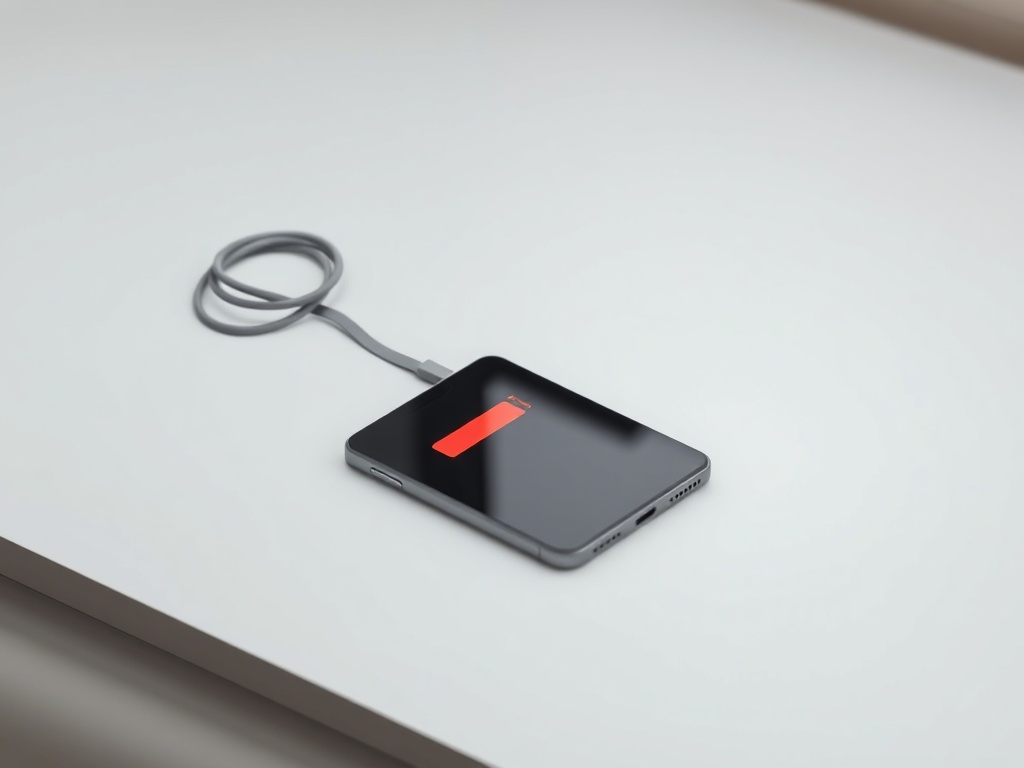
Battery drains fast — is it really the battery
Fast drain does not automatically mean a new battery. Check battery health first, then which app is eating the charge.
Read →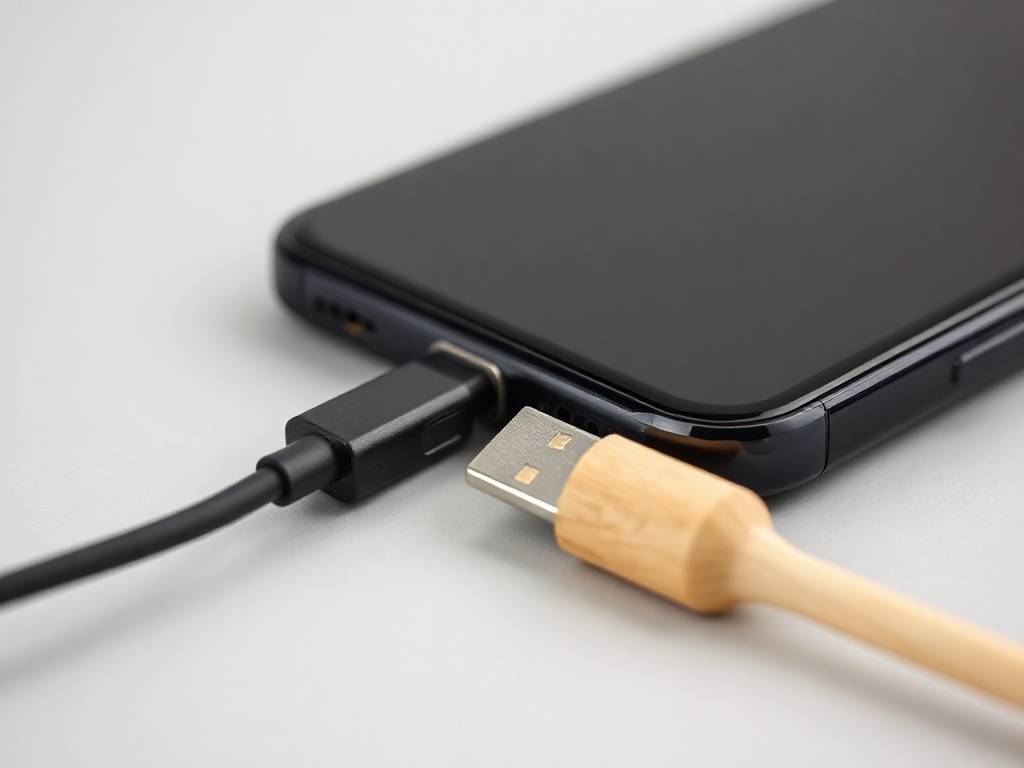
Phone will not charge — cable, port or battery
In most cases the cause is the cheapest one: the cable or a dirty port. Check in this order before thinking about repair.
Read →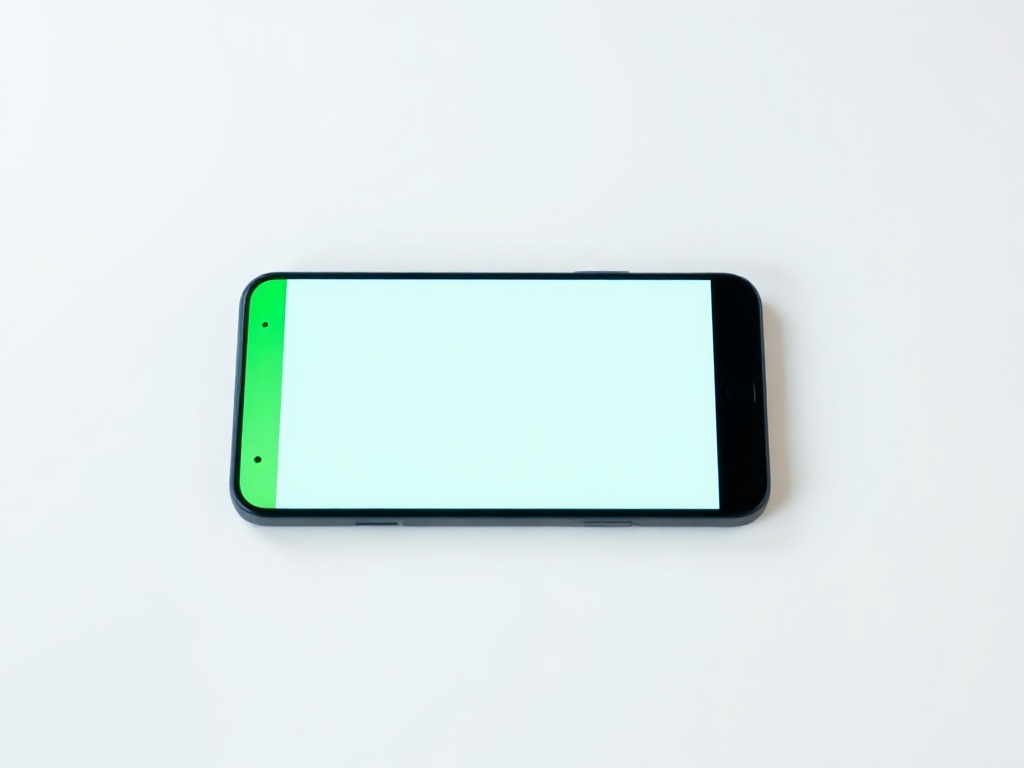
Green or pink line on Samsung and other AMOLED screens
A thin vertical line on an AMOLED screen almost always means a damaged display, not software. Here is how to confirm.
Read →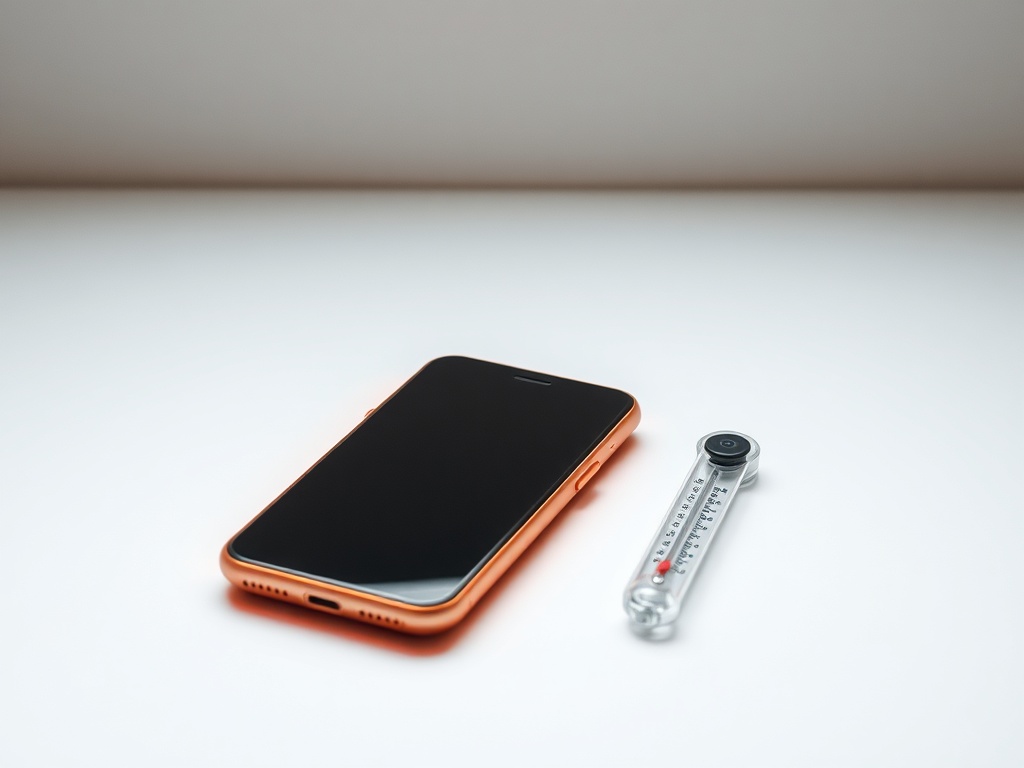
Phone overheats — when it is normal and when it is not
A warm phone while gaming or charging is normal. A hot phone in your pocket with nothing running is not.
Read →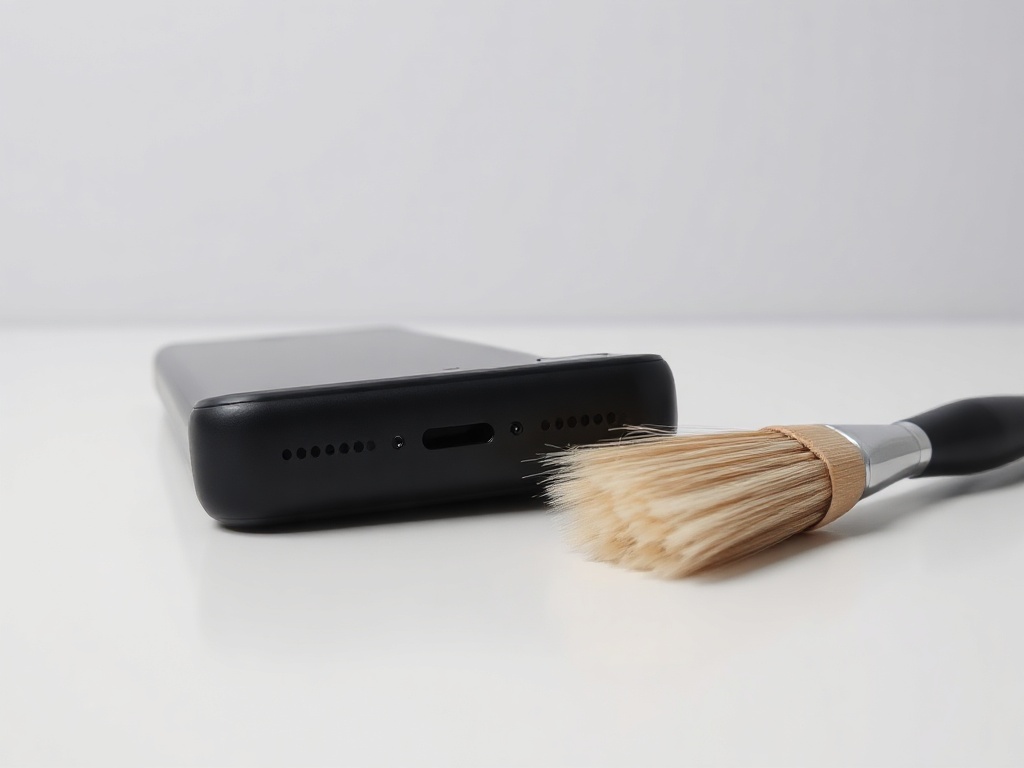
No sound, or sound is quiet and crackling
Before thinking about a speaker replacement: check whether the phone is stuck in headphone mode and whether the speaker mesh is blocked.
Read →
One wireless earbud does not work or will not connect
In most cases it is not a defect but lost sync between the two earbuds. A reset fixes it, no repair needed.
Read →
Smart watch will not connect to the phone
The cause is almost always a Bluetooth profile left over from an old pairing. It must be deleted on both sides, not just one.
Read →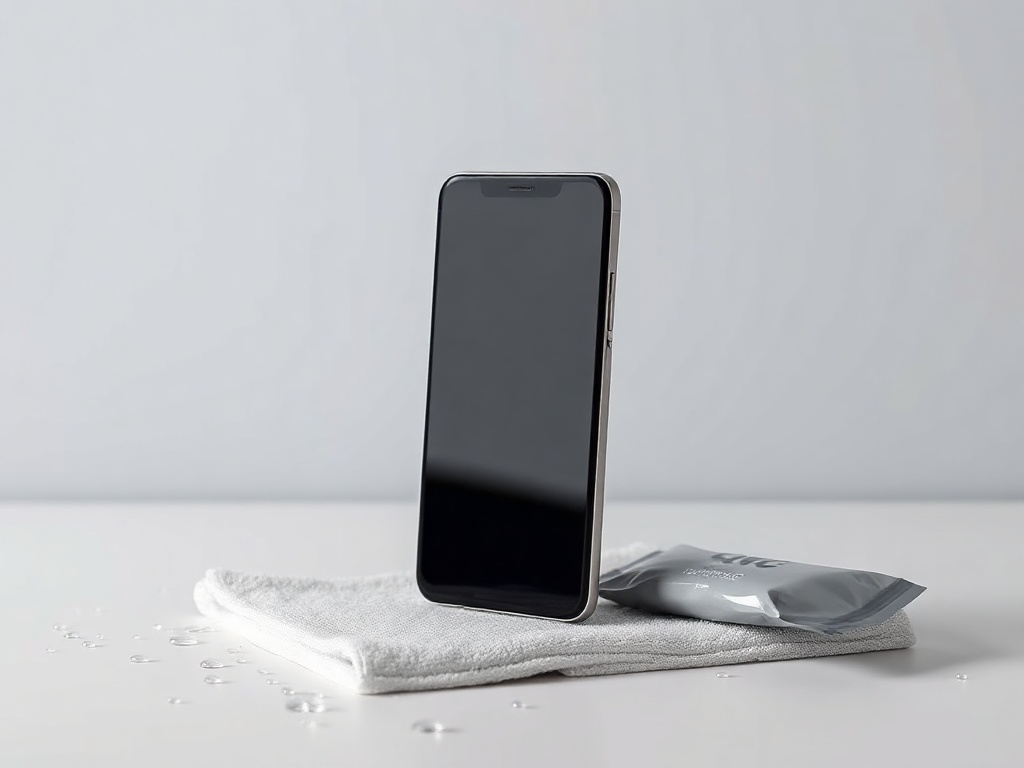
Phone fell in water — what NOT to do
The first minutes decide. Rice, a hair dryer and trying to switch it on are the three things that make it worse.
Read →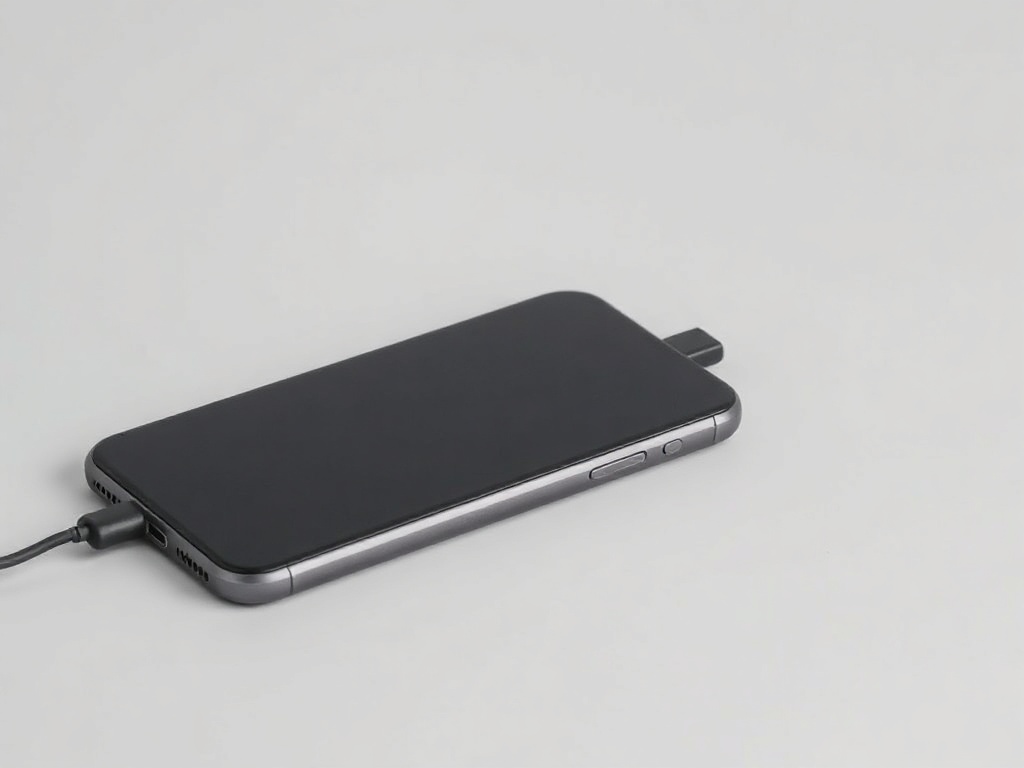
Phone will not turn on or is stuck on the logo
A black screen does not mean a dead phone. A forced restart solves a large share of cases — if done correctly.
Read →
Wi-Fi or Bluetooth will not connect after an update
If the problem started right after an update, it is almost certainly a saved network setting, not the antenna.
Read →