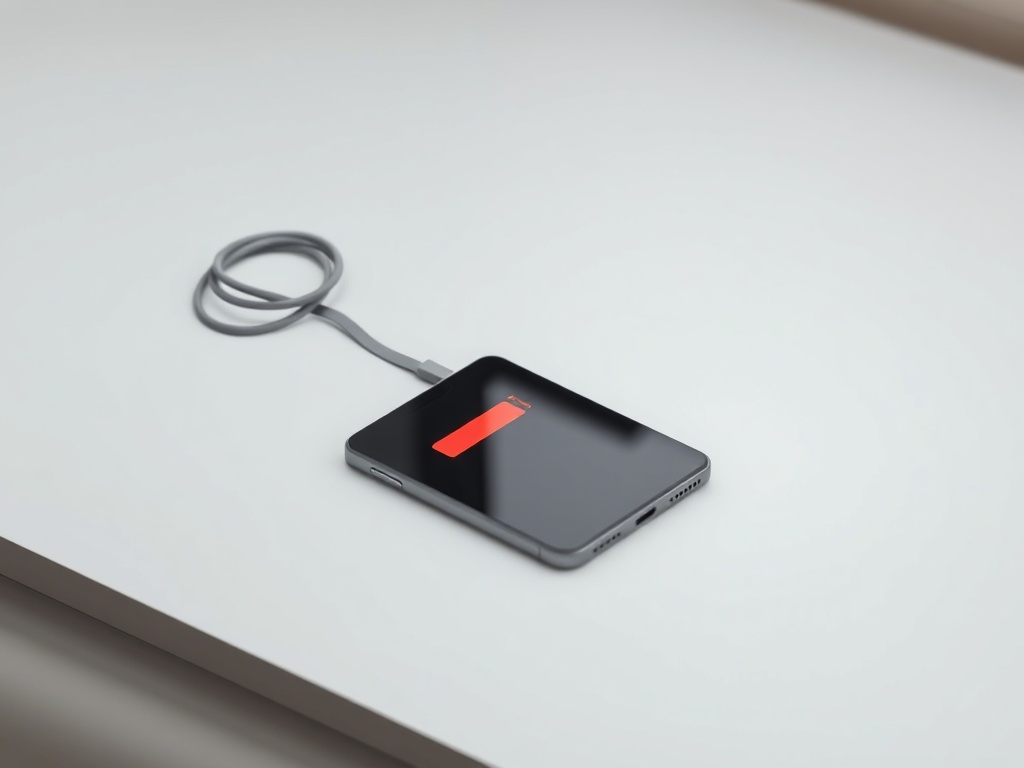
Battery drains fast — is it really the battery
Fast drain does not automatically mean a new battery. Check battery health first, then which app is eating the charge.
A battery loses capacity with every charge cycle — that is normal wear, not a defect. The question is whether the drop has reached the point where replacement is worth it.
Where to see battery health
On iPhone: Settings → Battery → Battery Health. The number next to "Maximum Capacity" shows how much of the original capacity is left.
On Samsung and most Android phones: Settings → Device care → Battery. Some models do not show a percentage; then an engineering menu or a diagnostics app is used.
When the battery is to blame
Below 80 percent capacity the drop becomes noticeable in daily use. Below 75 percent the phone often shuts down suddenly in cold weather or under a heavy app, even while showing 30 percent charge.
When it is NOT the battery
If capacity is above 85 percent and the phone still drains fast, the cause is usually elsewhere: an app running in the background, weak signal (the phone boosts its transmitter and uses more power), or a bright screen kept on all day.
Check Settings → Battery to see which apps used the most in the last 24 hours. If a single app holds 40 percent or more, that is your problem.
A note about the replacement itself
After a battery replacement an iPhone may show a message that the part is not genuine. It does not affect operation, but it is good to know in advance.
Have a question about a specific device?
Call us or drop by the showroom — we check the device together.