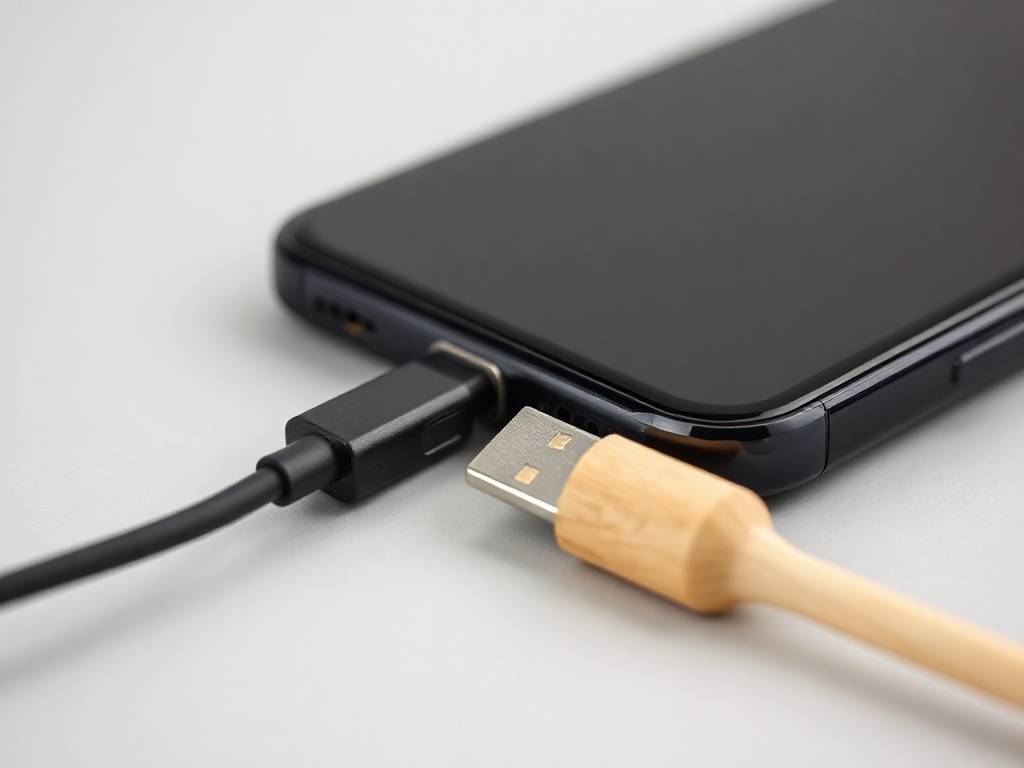
Phone will not charge — cable, port or battery
In most cases the cause is the cheapest one: the cable or a dirty port. Check in this order before thinking about repair.
When a phone stops charging, the order of checks saves money. Start with the most common and cheapest cause.
1. The cable and adapter
Swap the cable for one you trust. Cables break inside without showing anything outside — especially where the cable leaves the plug. Try a different adapter and a different socket too.
2. The charging port
Lint collects in a pocket and gets pressed into the bottom of the port. The result is exactly this symptom: the cable goes in but makes no contact, or charges only at a certain angle.
Turn the phone off. Clean carefully with a wooden toothpick or a plastic brush. Do not use metal and do not blast high pressure air into it.
3. A software freeze
Sometimes the phone is charging but not showing it. Force a restart: on iPhone press volume up briefly, volume down briefly, then hold the side button until the logo appears. On Android hold the power button for about 15 seconds.
4. The battery or the board
If nothing changes after those three steps, the problem is inside. A deeply discharged battery sometimes needs 15–20 minutes on the charger before it shows anything on screen at all — wait that long before concluding it is dead.
On a phone that has been wet or dropped, the charging controller may be damaged. That is board level repair.
Have a question about a specific device?
Call us or drop by the showroom — we check the device together.