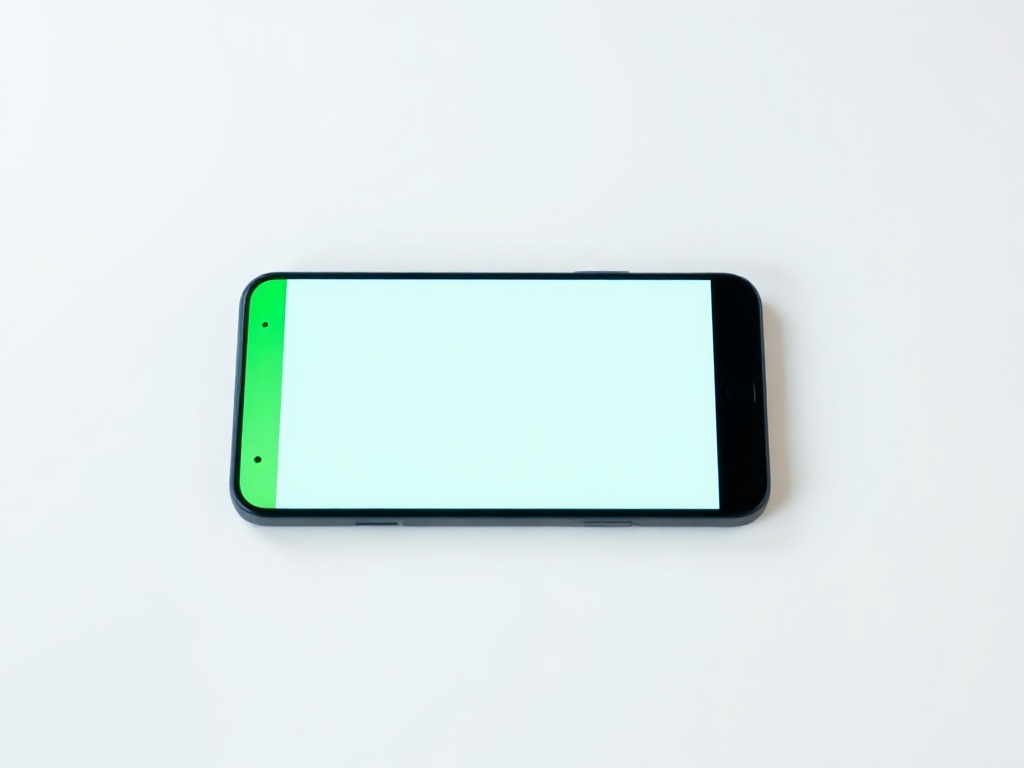
Green or pink line on Samsung and other AMOLED screens
A thin vertical line on an AMOLED screen almost always means a damaged display, not software. Here is how to confirm.
A thin vertical line — green, pink or white — that runs top to bottom and does not go away is a classic symptom on AMOLED panels.
How to check whether it is hardware
Take a screenshot. If the line is NOT visible in the screenshot, the screen is showing it but the system is not sending it — the fault is in the panel or the ribbon cable.
If the line also appears in the screenshot, the problem is software or an app, and a restart usually helps.
Second: boot the phone into safe mode. If the line stays, apps are not at fault.
What causes it
Most often after a drop or pressure on the screen — even when the glass is intact. Sometimes after overheating, or after a screen replacement with a poor quality part. On some models it appears without visible cause after a few years of use.
Can it be repaired
The line itself cannot be fixed in software. The solution is a display replacement. On AMOLED panels the glass and the matrix are bonded together, so the whole module is replaced — which makes the repair more expensive than on a plain LCD.
Before ordering a repair, weigh it up: if the line sits at the very edge and does not get in the way, and the phone is a few years old, the cost may not be worth it.
Have a question about a specific device?
Call us or drop by the showroom — we check the device together.