No sound, or sound is quiet and crackling
Before thinking about a speaker replacement: check whether the phone is stuck in headphone mode and whether the speaker mesh is blocked.
Losing sound rarely starts with a broken speaker. Three more common causes can be checked in minutes.
1. The phone thinks headphones are plugged in
If moisture or lint has got into the charging port or the jack, the phone stays in headphone mode. The symptom is clear: no sound from the speaker, but it vibrates when ringing and everything works in headphones.
On iPhone you can see it in the volume icon — it shows headphones instead of a speaker. Clean the port carefully and restart.
2. A blocked speaker mesh
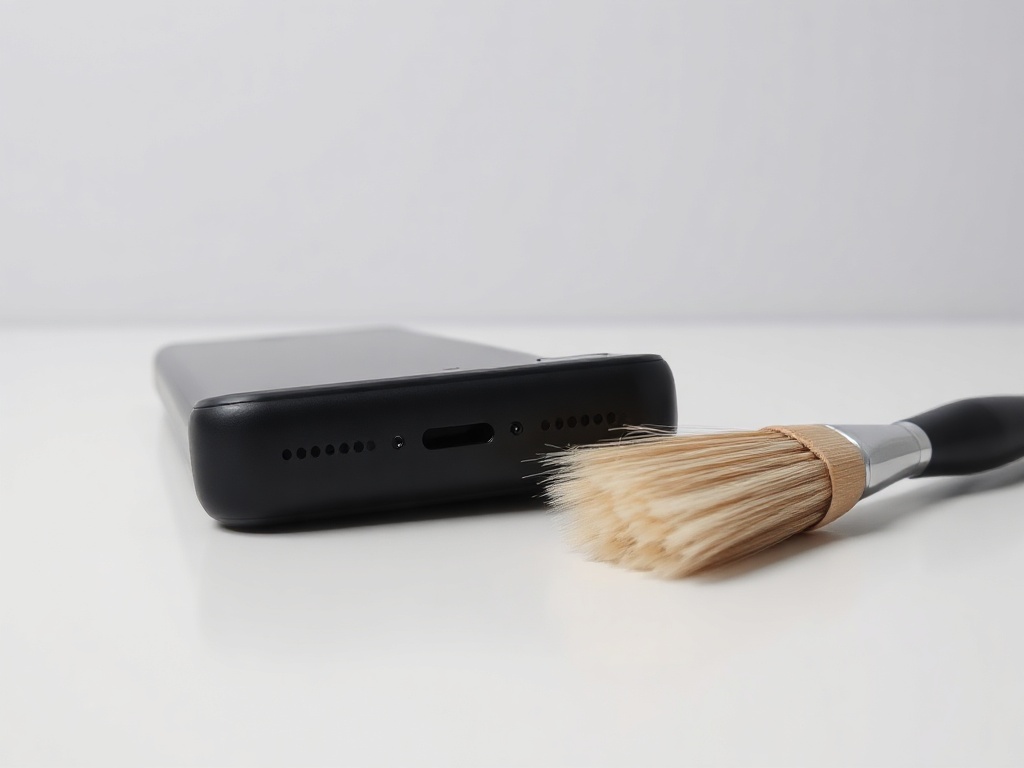
Dust and lint collect in the grille and the sound becomes quiet and muffled. Clean with a soft brush — dry, no liquids. Do not poke with a needle: the mesh underneath is thin and tears.
3. A software setting
Check whether a volume limit or an equaliser is switched on. On Android some apps have their own control, independent of the system one.
Try sound from different sources: ringtone, a video in the gallery, a call on speaker. If only one of them is quiet, the problem is in that app, not the phone.
When the speaker really is damaged
Crackling at high volume, sound from only one side on stereo models, or complete silence after getting wet are signs of a damaged component. That is a speaker module replacement — usually a quick repair.
Have a question about a specific device?
Call us or drop by the showroom — we check the device together.