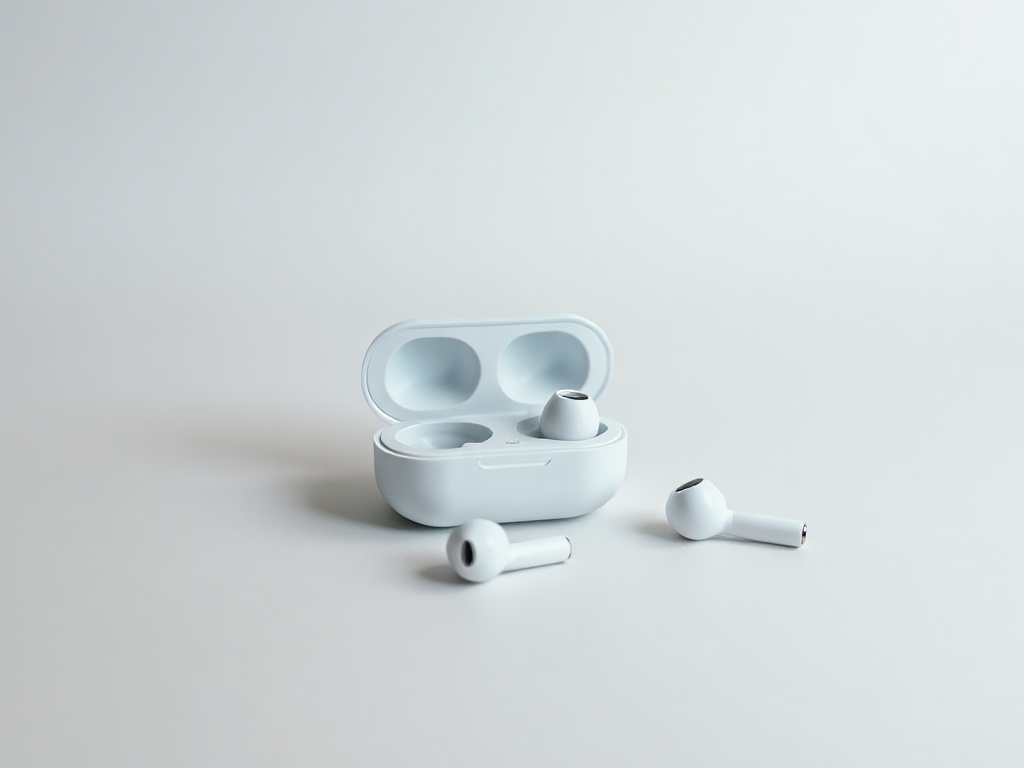
One wireless earbud does not work or will not connect
In most cases it is not a defect but lost sync between the two earbuds. A reset fixes it, no repair needed.
When one earbud goes silent, the first thought is a defect. Usually it is not.
Clean the contacts
The small metal plates on the earbud and inside the case get coated with oil and earwax. Then the earbud does not charge and looks "dead". Wipe with a dry cloth or a cotton bud lightly dampened with alcohol — never with water.
Check whether it charges at all
Put only the problem earbud in the case and close it. Open after a minute. If the indicator does not react to it, the problem is charging, not sound.
Resetting the pair
This fixes most cases. On Apple AirPods: put both in the case, close for 30 seconds, open, hold the button on the back for about 15 seconds until the indicator turns amber then white. Then forget the device on your phone and pair again.
On Samsung Galaxy Buds and most others: put both in the case, close and open it, then hold both earbud sensors at the same time for a few seconds.
On cheap models without a button, the reset is done from the app or by waiting in the case with the lid open.
When it really is a defect
If after a reset the earbud still does not appear and the contacts are clean, it is most often a worn battery. At that size a battery cannot be replaced economically — usually a new pair is the answer.
Have a question about a specific device?
Call us or drop by the showroom — we check the device together.