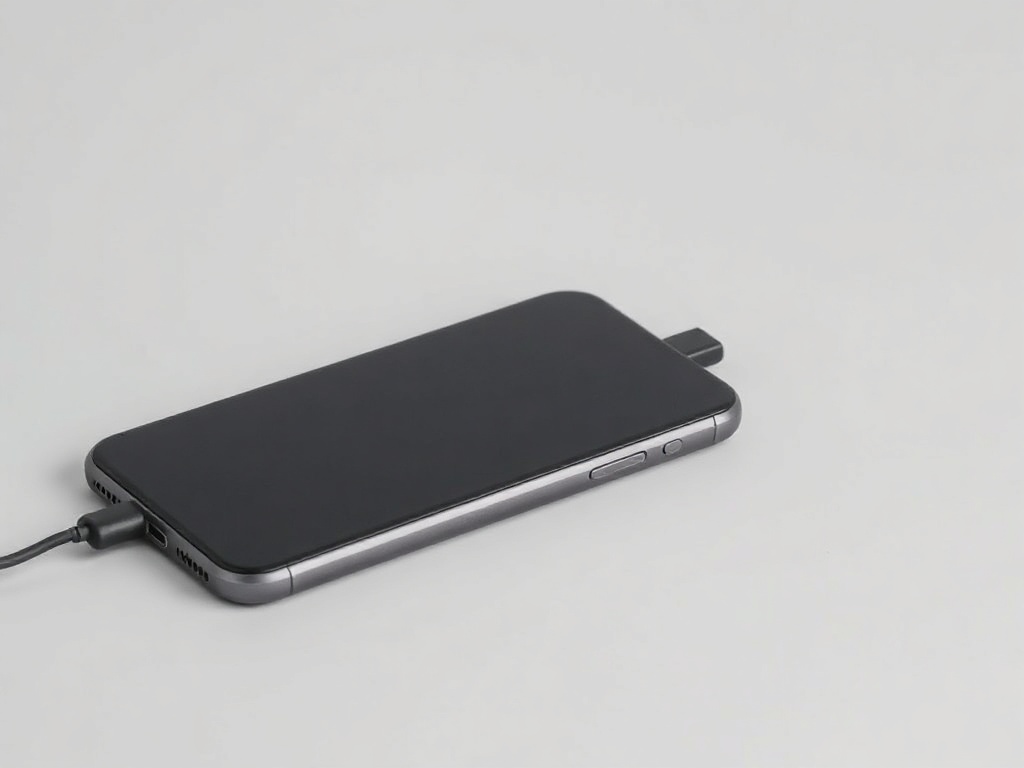
Phone will not turn on or is stuck on the logo
A black screen does not mean a dead phone. A forced restart solves a large share of cases — if done correctly.
A phone that does not respond has most often frozen, not broken. The order of actions matters.
First: charge for 20 minutes
A deeply discharged battery shows nothing on screen straight away. Leave the phone on the charger for at least 20 minutes before trying anything else. On some models the indicator appears only after 10–15 minutes.
Forced restart
iPhone 8 and newer: press volume up briefly, volume down briefly, then hold the side button until the logo appears. Keep holding even if 10 seconds pass with nothing.
Samsung and most Android: hold power and volume down together for about 15 seconds.
This does not erase data. It simply cuts the power for a moment.
Stuck on the logo
If the logo is lit but the system does not start, the phone reaches the operating system and stops there. Usually this is damaged software after a failed update or after installing an app from outside the official store.
It is solved with a software recovery through a computer. Data can often be kept, but not always — which is why a regular backup matters.
When it is hardware
If the phone responds to nothing, does not get warm while charging and does not vibrate, the problem is on the power side — battery, connector or board. If the phone was dropped or got wet just before, go straight to an inspection instead of repeatedly trying to switch it on.
Have a question about a specific device?
Call us or drop by the showroom — we check the device together.