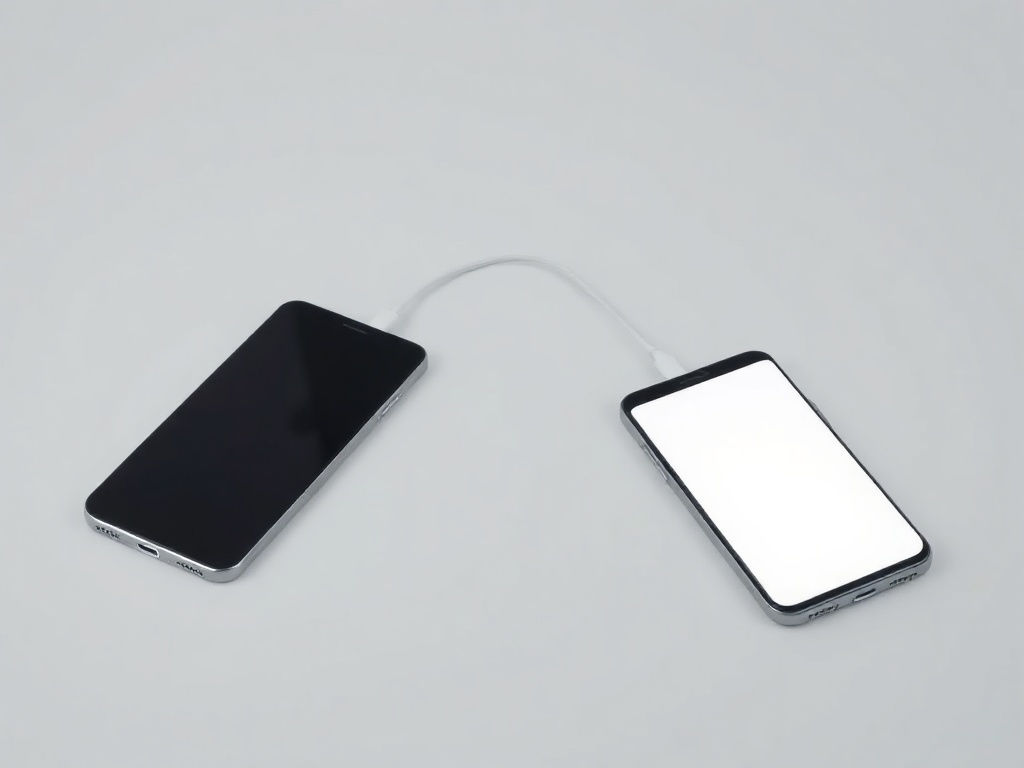
Moving your data to the new phone without losing anything
Photos move easily. Two-factor codes and chat history do not always follow.
Most people move the photos and call the job done. The trouble turns up a week later — from the things that are not photos.
Before you start
· Charge both phones above 50 per cent and keep them on the same Wi-Fi.
· Check free space on the new handset: the transfer needs at least as much as the data occupies.
· Do not wipe the old phone the same day. Leave it intact until you have verified everything.
Between the same systems
· iPhone → iPhone: choose “Quick Start” during first setup and leave the two handsets side by side.
· Android → Android: Settings → Google → Backup, then restore during the new device's setup.
Between different systems
· Android → iPhone: the “Move to iOS” app, run during setup.
· iPhone → Android: the manufacturer's own app (Smart Switch and similar), with a cable if one is supplied.
· Switching systems, the calendar and contacts come across cleanly; paid apps do not transfer.
What most often gets lost
· Two-factor codes: the authenticator app must be moved SEPARATELY, and before you wipe the old phone. Otherwise you lose access to accounts.
· WhatsApp and Viber: history only moves through the app's own backup, not the general transfer.
· Banking apps: almost always require fresh activation on the new device.
· Health data and passwords — only if the backup was enabled and encrypted.
The check at the end
Open one item from each category: a photo from years back, a contact, a chat, a banking app, a code-based login. If all five work, the old phone can be wiped.
How we do it
If you buy the device from the shop, the transfer can be done on the spot, and the old handset stays untouched until you have checked everything.
Have a question about a specific device?
Call us or drop by the showroom — we check the device together.