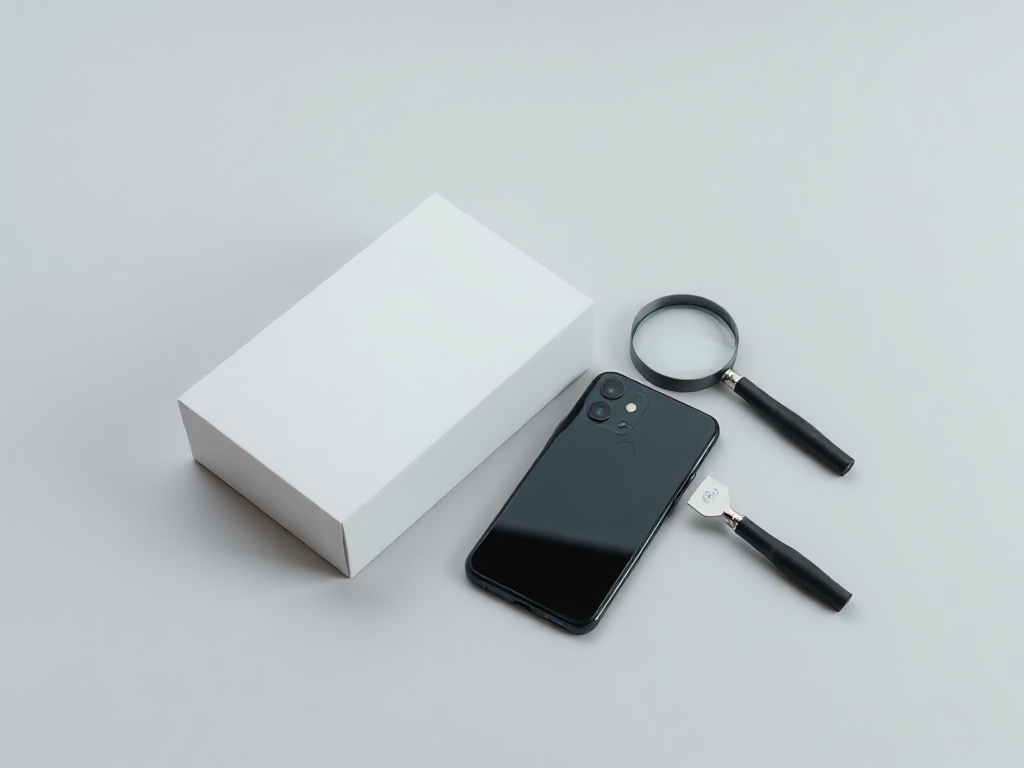
Has the device been opened: how to spot a replaced part
A replaced screen or battery is not a problem in itself. A hidden repair is.
A repair is not a defect by itself. The trouble starts when you do not know what was replaced and with which part — both the price and the warranty depend on it.
What the phone tells you
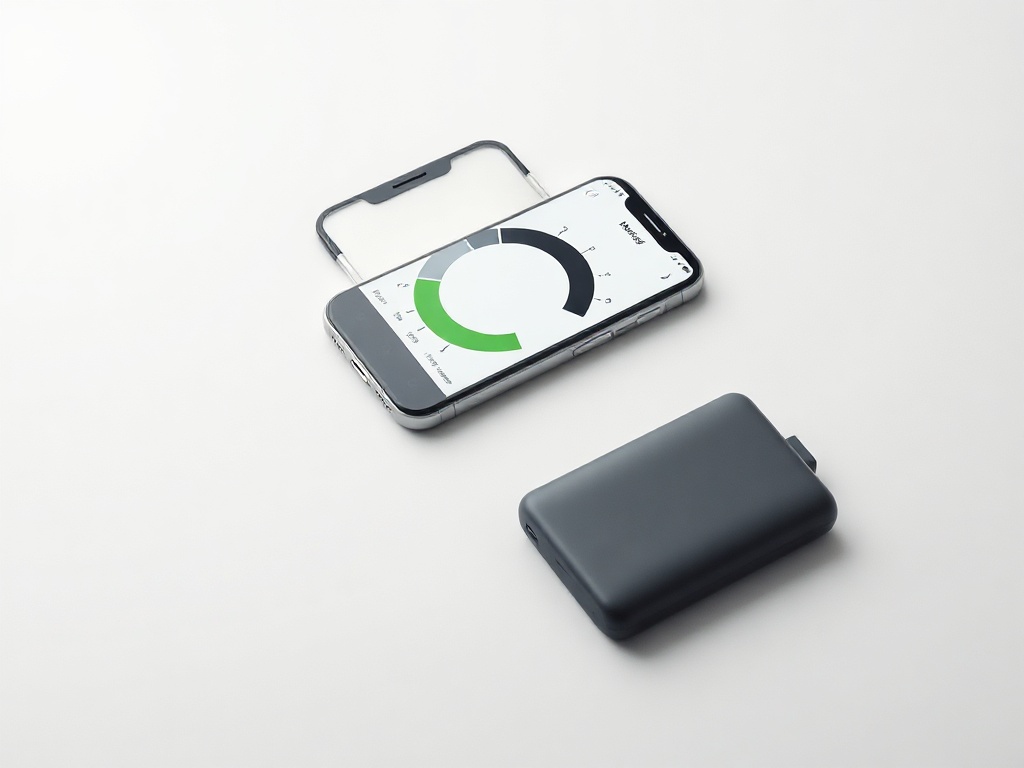
· iPhone: Settings → General → About. Under “Parts and Service History” it states whether the screen, battery or camera has been replaced.
· An “Unknown Part” notice, or a warning at startup, means the part was not recognised as genuine.
· Android: on some models the service menu shows the display serial number; on the rest you are left with a visual inspection.
Traces you can see from outside
· The seam between glass and frame: uneven gaps, leftover adhesive, or one corner sitting slightly proud.
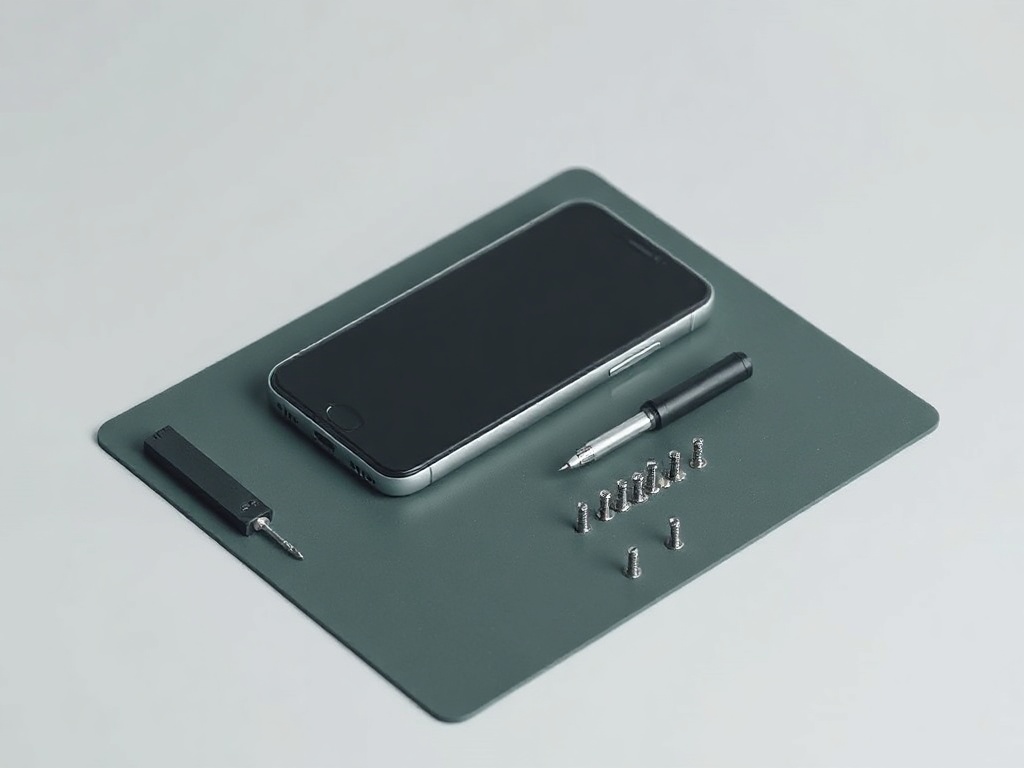
· The screws either side of the charging port — chewed heads mean the device has been opened.
· Rubber gaskets: on a factory device the line is the same thickness all the way round.
The difference the screen gives away
· A non-original OLED often drifts blue or green when you tilt it.
· Auto-brightness reacts late, or jumps in steps.
· The touch layer needs a firmer press along one edge.
What to ask
Ask outright: has anything been replaced, where was it done, is there paperwork. An honest answer lowers the price the right way. A concealed repair lowers it later — when the part fails.
How we do it
Every device goes through this check and any replaced part is written into the listing. If something was replaced, you read it before you pay.
Have a question about a specific device?
Call us or drop by the showroom — we check the device together.